Phone
The Phone widget allows you to simulate phone calls and text messages to test applications relying on telephony features and monitor their behavior.
This widget only simulates calls and text messages; it is not possible to use it to send or receive calls or text messages to/from real phones or tablets.
To use the Phone widget, click :
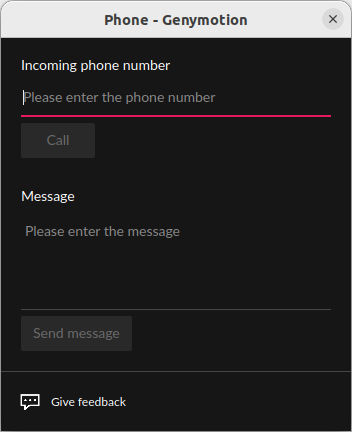
Then, enter a fictitious incoming phone number and:
- Click Call to simulate an incoming phone call
- Enter a text message and click Send message to simulate an incoming text message
Click to open the Phone widget:
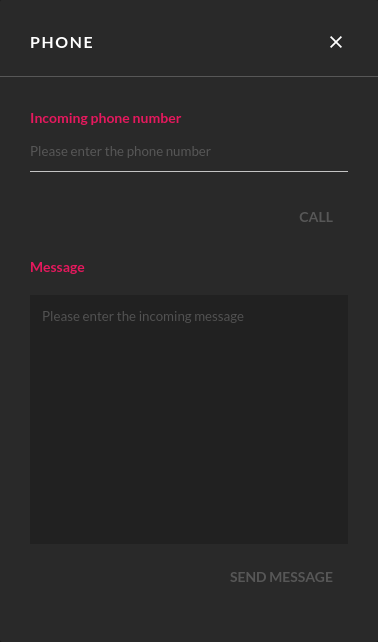
Enter a fictitious incoming phone number and:
- Click CALL to simulate an incoming call
- Enter some text and click SEND MESSAGE to simulate a text message.
To open the Phone widget, click . Then, enter a fictious incoming phone number and:
- Click Call to simulate an incoming call.
- Enter a text message and click Send message to simulate an incoming text message.
Text messages are displayed in the virtual device via a notification, but they can also be read in the Messaging application.