Identifiers
The Identifiers widget shows Android ID and Device ID/IMEI/MEID values. You can view and edit these values at any time, without having to reboot your virtual device.
Note
- You cannot set an empty Android ID.
- By default, a new virtual device is deployed with device ID "000000000000000".
- Valid characters for setting device ID/IMEI/MEID are lower-case and upper-case letters
[a-z, A-Z], digits[0-9], dots[ . ], dashes[ - ]and underscores[ _ ]. - On Android 8.0 and above, the Android ID has a different value for each application on the device. This is not the case in Genymotion: the Android ID remains the same for all applications.
To open the identifiers window, click :
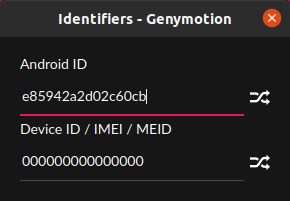
Input values, or click to generate random values.
Click to open the Identifiers widget:
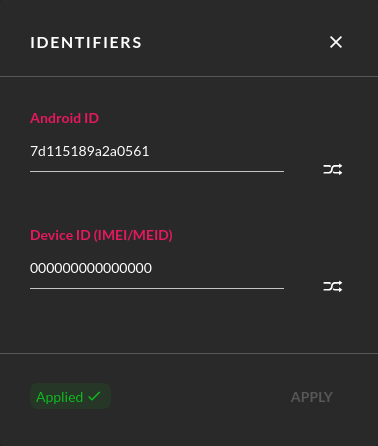
Input values, or click to generate random values. Click APPLY to set the values.
This feature is not available with Android Automotive
To use the Identifiers widget, click :
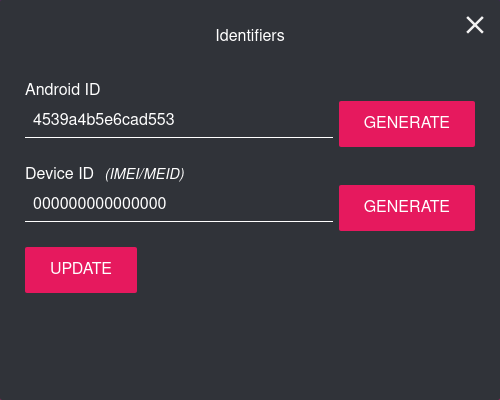
Set values or click GENERATE to generate random values. Click UPDATE to apply.